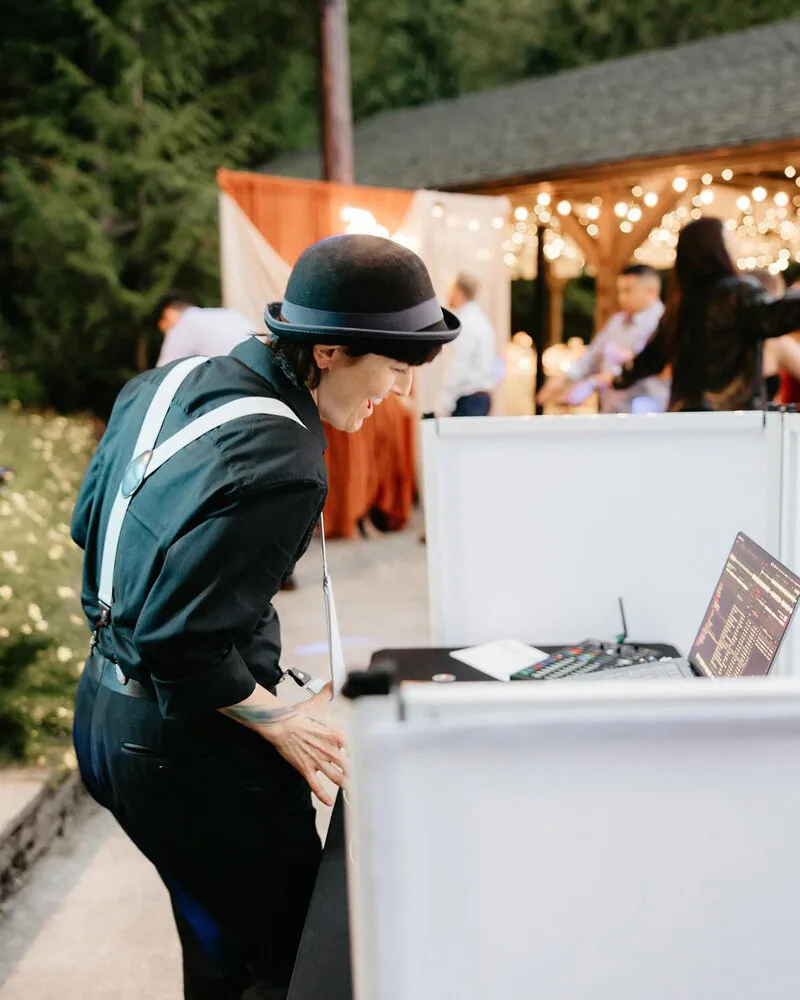
There is no fixed number of songs you need to give your wedding DJ. Start with music for your chosen formalities, the songs you most want to hear, and anything you do not want played. Then decide how much flexibility you want to leave for guest requests and the dance floor.
How Many Songs Should You Choose?
You can begin with a short list of meaningful songs and build from there. A detailed playlist is useful too, as long as you distinguish essential choices from suggestions and discuss what will fit the available time.
Your music preferences and your DJ’s response to the room serve different purposes. Share the songs and styles that matter to you, then agree on where DJ Kelli can adapt the selections or order during the celebration.
Music for Cocktail Hour and Dinner
Cocktail hour and dinner help set the atmosphere even when music is in the background. Decide whether you want to choose individual tracks or provide a broader direction.
If you will be taking photographs during cocktail hour, tell your DJ which meaningful songs you would rather save until you return. You can still choose the cocktail-hour music, or share a genre and mood for your guests.
For dinner, name any songs you particularly want included and explain the atmosphere you prefer. A few examples can guide the remaining selections, while a longer list can work when that detail matters to you.
Ceremony music is a separate decision with separate considerations, so choosing processional and recessional songs deserves its own attention.
Choose the Songs With Personal Meaning
Make your most important choices easy to identify, especially songs attached to a specific moment.
Your DJ was not there for your lives. Family traditions. The song your college friends will lose their minds over. The track that always played in your parents’ kitchen. Those cannot be guessed. Name them.
Examples of songs your friends and family enjoy can help your DJ understand the room. Add context where it matters: a shared memory, a family favorite, or a track you want saved for a particular group.
Share timing preferences and known guest tastes without assuming everyone in an age group enjoys the same music. How that plays out on the dance floor is its own subject.
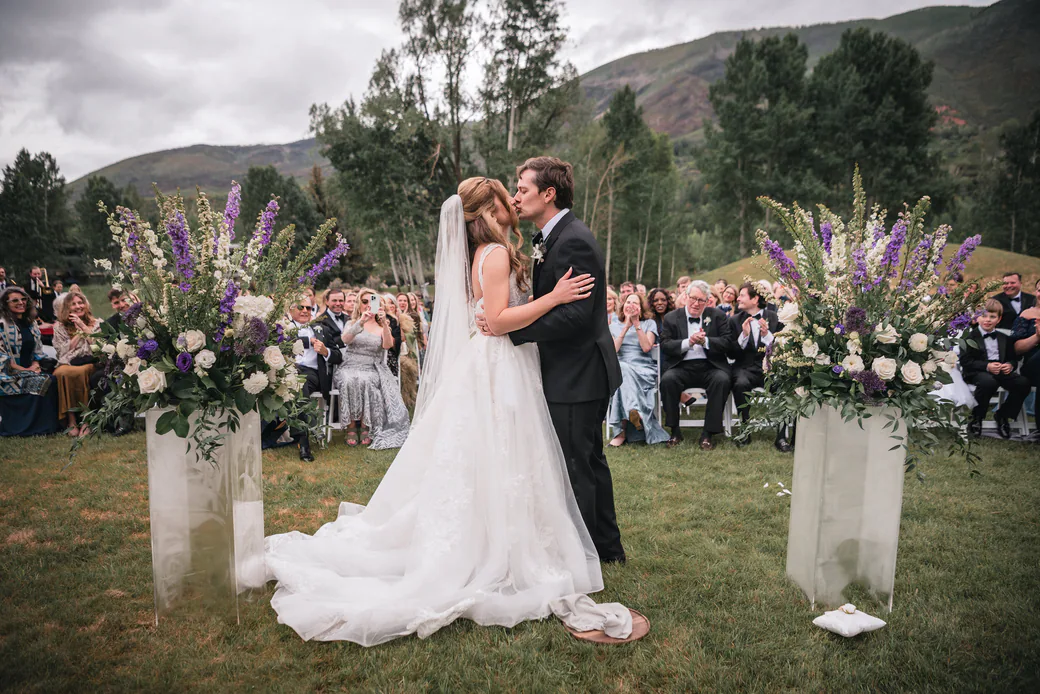
Agree on Priorities and Flexibility
A long list can be helpful when it communicates your taste. Label which songs are must-plays, which are suggestions, and whether you want a particular order. If the list is longer than the available music time, decide together what takes priority.
A fixed running order leaves less room to respond to guests. That may be the experience you want; discuss it in advance. If you prefer flexibility, agree on what your DJ can change while respecting your essential choices.
What to Include in Your Music Plan
Organize your music plan into three clear parts.
Give a mood or genre for each part of the day. Mark must-play songs and any exact timing or recording preferences. Add a do-not-play list and clarify whether other selections are suggestions or a fixed playlist.
We collect all of this through the Vibo planning app. Everything stays in one place rather than scattered across emails. If you are unsure what vibe you want, say that. Answering it is part of the job.
Deciding About Guest Requests Before the Day
Decide in advance whether you want guest requests and how they should fit around your own selections.
DJ Kelli considers guest requests in the context of your preferences, timing, and the room. A request does not guarantee a song will be played. If a choice conflicts with your direction, Kelli can check with you before changing the plan.
Decide your guest-request preferences in advance and record them with your must-play and do-not-play choices in Vibo. Kelli usually locks Vibo manually on the Monday before the event weekend. Finish earlier where possible; contact Puget Sounds if an important update is needed after the lock.
How Many Songs for a Wedding DJ: Common Questions
So how many songs should we actually pick?
Choose music for the formalities you are including, then identify your must-plays and exclusions. There is no required total. If you provide a longer list, mark priorities and discuss how many selections can fit your coverage.
What if we do not know what vibe we want?
Start with examples of music you enjoy, songs you dislike, and how you want each part of the day to feel. DJ Kelli can help turn those preferences into a plan.
Is a do-not-play list rude?
No. A do-not-play list communicates your preferences and helps your DJ handle requests that conflict with them.
Will the DJ ignore our list?
Your preferences guide the plan. Clearly label must-plays, exclusions, and suggestions, and discuss timing and flexibility with DJ Kelli so everyone understands how the list will be used.
Putting your music plan into practice
If you are preparing your final details, use the final wedding DJ planning checklist.
For the steps between booking and event week, read what happens after you book your wedding DJ.
If you want fewer formalities, see how to plan a reception without traditional dances or announcements.
A song plan also needs to identify who performs each moment. Our guide to coordinating recorded music with live musicians at Heyday Farm uses an actual wedding plan with live music and a reading. For ideas before choosing your own selections, browse our sample playlists and music genres; they are inspiration rather than a required playlist.
Agree on Clean Versions and Request Boundaries
Decide whether you prefer clean recordings, explicit recordings, or different rules for different parts of the event. Tell Puget Sounds about content you want to avoid as well as individual songs. A clean edit can still include a theme you would rather leave out.
Label | What to record |
|---|---|
Must-play | Name the exact recording and any planned moment. |
Suggestion | Offer a song to consider alongside timing and guest response. |
Do-not-play | Keep this song out even if a guest requests it. |
Exception approval | Name who may approve a change to your instructions. |
There is no fixed number of songs you need to give your wedding DJ. Start with music for your chosen formalities, the songs you most want to hear, and anything you do not want played. Then decide how much flexibility you want to leave for guest requests and the dance floor.
How Many Songs Should You Choose?
You can begin with a short list of meaningful songs and build from there. A detailed playlist is useful too, as long as you distinguish essential choices from suggestions and discuss what will fit the available time.
Your music preferences and your DJ’s response to the room serve different purposes. Share the songs and styles that matter to you, then agree on where DJ Kelli can adapt the selections or order during the celebration.
Music for Cocktail Hour and Dinner
Cocktail hour and dinner help set the atmosphere even when music is in the background. Decide whether you want to choose individual tracks or provide a broader direction.
If you will be taking photographs during cocktail hour, tell your DJ which meaningful songs you would rather save until you return. You can still choose the cocktail-hour music, or share a genre and mood for your guests.
For dinner, name any songs you particularly want included and explain the atmosphere you prefer. A few examples can guide the remaining selections, while a longer list can work when that detail matters to you.
Ceremony music is a separate decision with separate considerations, so choosing processional and recessional songs deserves its own attention.
Choose the Songs With Personal Meaning
Make your most important choices easy to identify, especially songs attached to a specific moment.
Your DJ was not there for your lives. Family traditions. The song your college friends will lose their minds over. The track that always played in your parents’ kitchen. Those cannot be guessed. Name them.
Examples of songs your friends and family enjoy can help your DJ understand the room. Add context where it matters: a shared memory, a family favorite, or a track you want saved for a particular group.
Share timing preferences and known guest tastes without assuming everyone in an age group enjoys the same music. How that plays out on the dance floor is its own subject.
Agree on Priorities and Flexibility
A long list can be helpful when it communicates your taste. Label which songs are must-plays, which are suggestions, and whether you want a particular order. If the list is longer than the available music time, decide together what takes priority.
A fixed running order leaves less room to respond to guests. That may be the experience you want; discuss it in advance. If you prefer flexibility, agree on what your DJ can change while respecting your essential choices.
What to Include in Your Music Plan
Organize your music plan into three clear parts.
Give a mood or genre for each part of the day. Mark must-play songs and any exact timing or recording preferences. Add a do-not-play list and clarify whether other selections are suggestions or a fixed playlist.
We collect all of this through the Vibo planning app. Everything stays in one place rather than scattered across emails. If you are unsure what vibe you want, say that. Answering it is part of the job.
Deciding About Guest Requests Before the Day
Decide in advance whether you want guest requests and how they should fit around your own selections.
DJ Kelli considers guest requests in the context of your preferences, timing, and the room. A request does not guarantee a song will be played. If a choice conflicts with your direction, Kelli can check with you before changing the plan.
Decide your guest-request preferences in advance and record them with your must-play and do-not-play choices in Vibo. Kelli usually locks Vibo manually on the Monday before the event weekend. Finish earlier where possible; contact Puget Sounds if an important update is needed after the lock.
How Many Songs for a Wedding DJ: Common Questions
So how many songs should we actually pick?
Choose music for the formalities you are including, then identify your must-plays and exclusions. There is no required total. If you provide a longer list, mark priorities and discuss how many selections can fit your coverage.
What if we do not know what vibe we want?
Start with examples of music you enjoy, songs you dislike, and how you want each part of the day to feel. DJ Kelli can help turn those preferences into a plan.
Is a do-not-play list rude?
No. A do-not-play list communicates your preferences and helps your DJ handle requests that conflict with them.
Will the DJ ignore our list?
Your preferences guide the plan. Clearly label must-plays, exclusions, and suggestions, and discuss timing and flexibility with DJ Kelli so everyone understands how the list will be used.
Putting your music plan into practice
If you are preparing your final details, use the final wedding DJ planning checklist.
For the steps between booking and event week, read what happens after you book your wedding DJ.
If you want fewer formalities, see how to plan a reception without traditional dances or announcements.
A song plan also needs to identify who performs each moment. Our guide to coordinating recorded music with live musicians at Heyday Farm uses an actual wedding plan with live music and a reading. For ideas before choosing your own selections, browse our sample playlists and music genres; they are inspiration rather than a required playlist.
Agree on Clean Versions and Request Boundaries
Decide whether you prefer clean recordings, explicit recordings, or different rules for different parts of the event. Tell Puget Sounds about content you want to avoid as well as individual songs. A clean edit can still include a theme you would rather leave out.
Label | What to record |
|---|---|
Must-play | Name the exact recording and any planned moment. |
Suggestion | Offer a song to consider alongside timing and guest response. |
Do-not-play | Keep this song out even if a guest requests it. |
Exception approval | Name who may approve a change to your instructions. |